Royan ABSongLit

The SongLit app icon
SongLit
macOS 15 or later  ·  Free

Every word, the moment it's sung.

SongLit reads what is already playing on your Mac and floats perfectly timed lyrics over whatever you are working in, lighting each word in time with the vocal.

See what it does Support

Coming to the Mac App Store

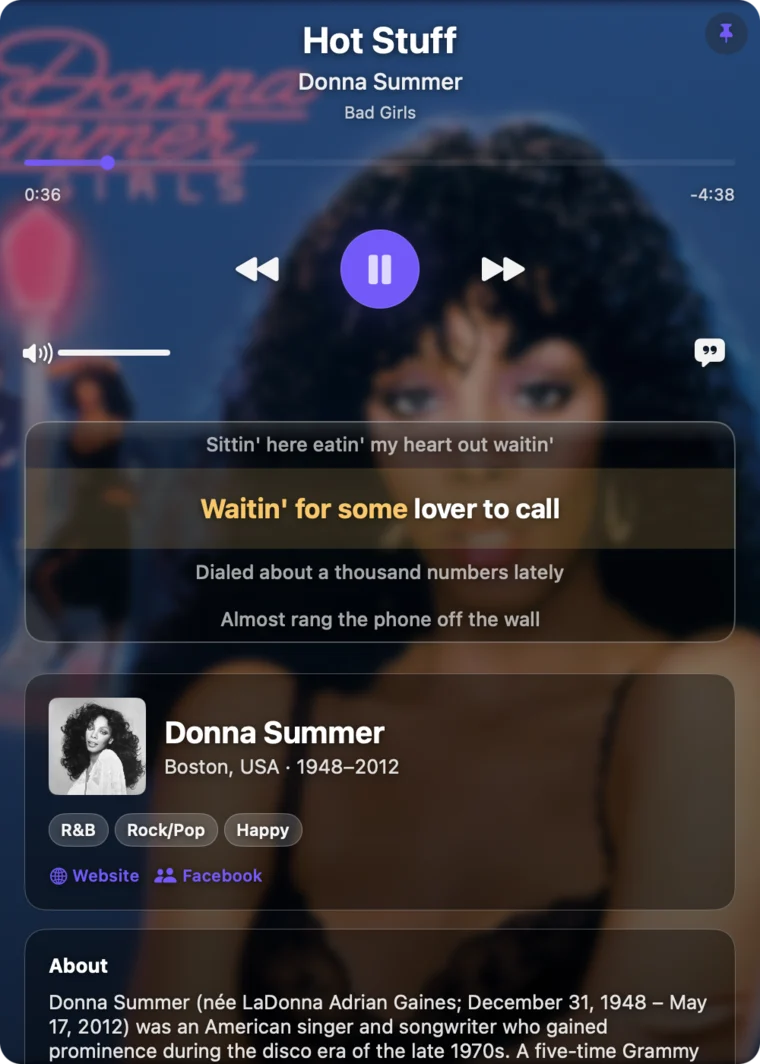
The SongLit window showing a track playing, with the current lyric line lit up part-way through, and the artist's biography below.
§ 01 What it does

Lyrics that keep up with the singer.

Most lyric apps scroll a block of text and leave you to find your place in it. SongLit tracks the vocal itself, so the line you are hearing is the line that is lit, and the word you are hearing is the word that is glowing.

Word-by-word

A sweep that follows the voice.

Each word ignites as it is sung, left to right across the line. One glance tells you exactly where you are, which is the difference between reading along and singing along.

Songs that only carry line-level timing are still highlighted a line at a time, in sync.

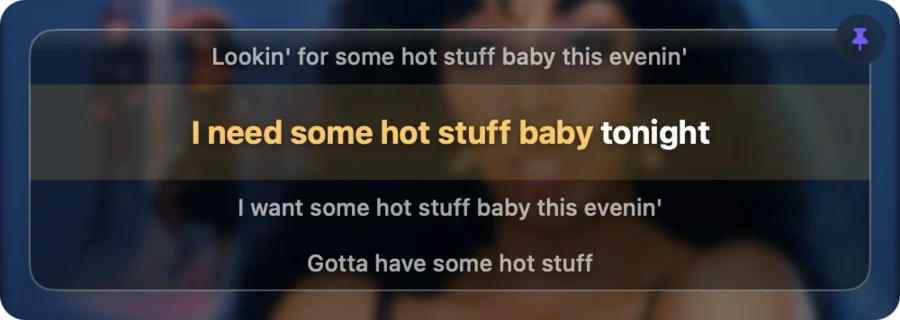
A compact SongLit overlay with the current lyric line half-lit as the words are sung.
Placement

Above everything, or out of the way.

Keep lyrics in a floating window that stays above other apps on every desktop, tuck them into the menu bar as a single line of text, or run both at once.

Turn on click-through and the window stops taking the mouse entirely — you type straight through it into whatever is underneath, and it becomes a true overlay rather than another window to manage.

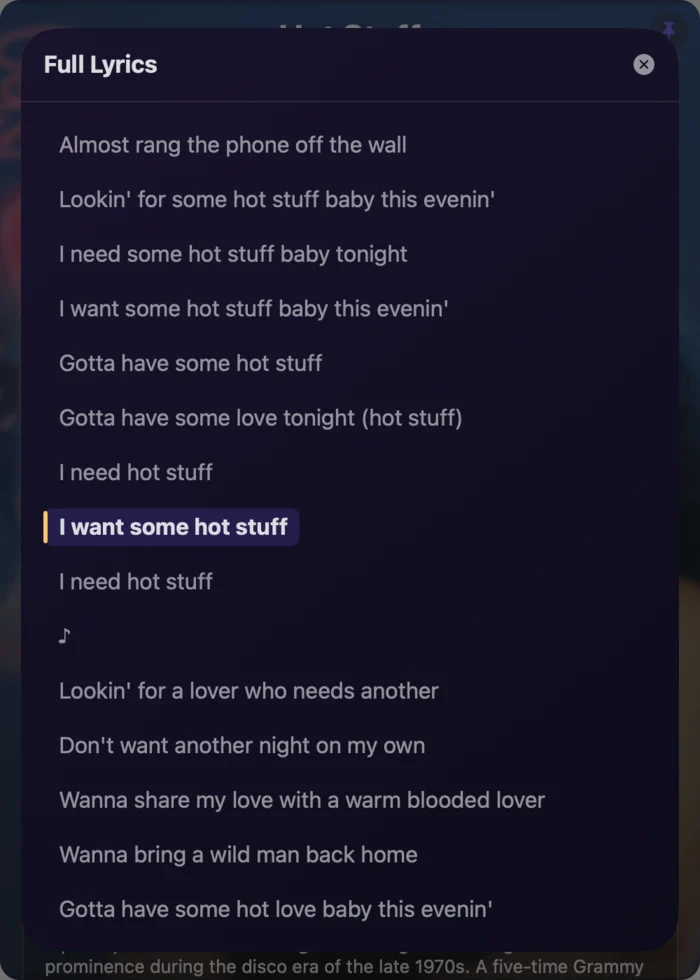
The full lyrics sheet open in SongLit, with the currently playing line marked.
43 languages

Read a song in your own language.

Translations appear under each original line, and right-to-left scripts render properly rather than being reversed or broken apart.

Translation is off until you switch it on, because it is the one feature that sends lyric text off your Mac.

SongLit in compact mode showing a Persian song with right-to-left lyrics lighting up word by word.
§ 02 The detail

Built like a native Mac app, because it is one.

Written entirely in Swift and SwiftUI with zero third-party runtime dependencies — every framework it uses ships with macOS. It runs inside the App Sandbox and adopts Liquid Glass on macOS 26, with hand-tuned glass below it.

Works with
Spotify and Apple Music desktop apps
Requires
macOS 15 or later
Display modes
Full player, compact, or lyrics only
Full lyrics
Scrollable sheet, click any line to seek
Artist
Biography, discography, photos, hi-res cover art
Tuning
±2 s sync offset, four typefaces, opacity, size
Data collected
None. No account, no analytics, no ads
Price
Free
§ 03 Privacy

Nothing about you leaves the machine.

SongLit has no account system, no analytics, no advertising and no tracking, and Royan AB runs no server for it. To find lyrics and artwork it asks public music catalogs about the song — never about you — and everything else, including your settings and any Spotify sign-in tokens, stays on your Mac.

The privacy policy lists every service the app contacts and exactly what is sent to each, including the two that deserve spelling out: lyric translation, and the optional Spotify sign-in.

§ 04 Questions

The things people ask first.

Which music players does SongLit work with?

The Spotify and Apple Music desktop apps on macOS. SongLit reads the track, artist and playback position directly from whichever one is playing.

Does it work with YouTube Music, Tidal or a browser tab?

No, and this is a platform limit rather than a missing feature. macOS exposes no public API for reading Now Playing information out of arbitrary apps — Apple restricted the private framework that once allowed it in macOS 15.4 — and a browser tab publishes no playback position at all, so there is nothing to synchronise against. If Apple ships a public API, support for other players follows.

Are the lyrics really synchronised word by word?

Yes, for songs that have word-level timing available. Songs with line-level timing only are highlighted a line at a time, still in sync.

What does it require?

macOS 15 or later, and the Spotify or Apple Music desktop app. On first launch macOS asks for permission to read your music app; lyrics cannot synchronise without it.

Where do the lyrics come from?

LRCLIB, a community lyrics database. It does not have every song — gaps are most common with very new releases, live recordings and remixes — and SongLit does not host lyrics of its own.

Still stuck? Support and troubleshooting, or write to [email protected].